$ qbo cli_
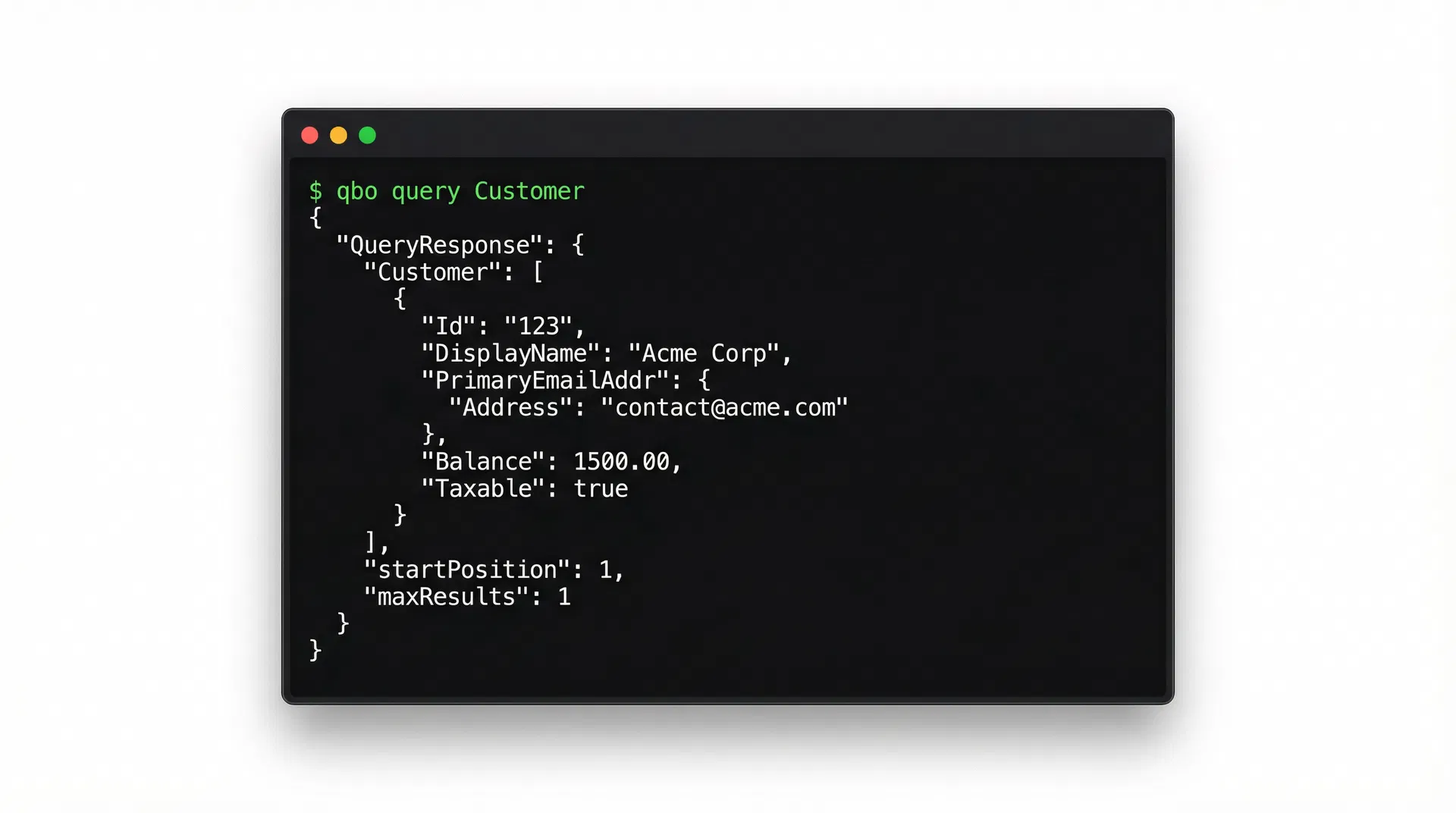
An agent-friendly command-line interface for the QuickBooks Online API. Query entities, run financial reports, categorize transactions — all from your terminal. Structured JSON output, deterministic exit codes, zero interactivity.
What it does
Four commands. Full coverage of the QBO API surface that matters for bookkeeping automation.
Query Anything
Run SQL-like queries against any QBO entity — customers, invoices, accounts, vendors, and more.
$ qbo query Invoice --where "Balance > '0'" --limit 10Run Reports
Pull Profit & Loss, Balance Sheet, Cash Flow, and other financial reports with date ranges.
$ qbo report ProfitAndLoss --start 2025-01-01 --end 2025-12-31Categorize Transactions
Assign or update account categories on purchases and expenses via sparse updates.
$ qbo categorize Purchase 456 --account-id 78 --account-name "Office Supplies"OAuth 2.0 Built-in
Handles the full OAuth dance — authorization URL, token exchange, automatic refresh.
$ qbo auth loginDesigned for machines
Structured JSON
Every command outputs valid JSON to stdout. Errors go to stderr. Pipe-friendly by default.
Exit Codes
0 = success, 1 = auth error, 2 = validation, 3 = API error, 4 = network. Agents branch on codes, not string parsing.
Zero Interactivity
No prompts, no confirmations, no spinners. Every input is a flag or argument. Fully scriptable.
Idempotent Writes
Sparse updates with SyncToken handling. Re-running the same categorize command is safe.
Token Auto-Refresh
OAuth tokens refresh transparently. Your agent never sees a 401 — the CLI handles it.
Single Binary
Compiled Rust. No runtime, no dependencies. Drop it in PATH and it works.
Install
One command. No runtime dependencies.
$ brew install yourusername/tap/qbo$ cargo install qbo$ curl -fsSL https://qbocli.com/install.sh | shQuick start
# 1. Authenticate with your QBO app
$ qbo auth login --client-id YOUR_ID --client-secret YOUR_SECRET

# 2. Query your customers
$ qbo query Customer --limit 5

# 3. Pull a Profit & Loss report
$ qbo report ProfitAndLoss --start 2025-01-01 --end 2025-12-31

# 4. Categorize an expense
$ qbo categorize Purchase 456 --account-id 78